Loop-friendly edits
Short animated scenes are ideal for face swaps because the expression and motion stay easy to read.
Give a reaction loop a new personality. Add a target face to a short animation and create a GIF that feels at home in chats, forums, and social feeds.
Make playful GIF face swaps with an English-only AI face changer, Google login, and direct Stripe subscription checkout.
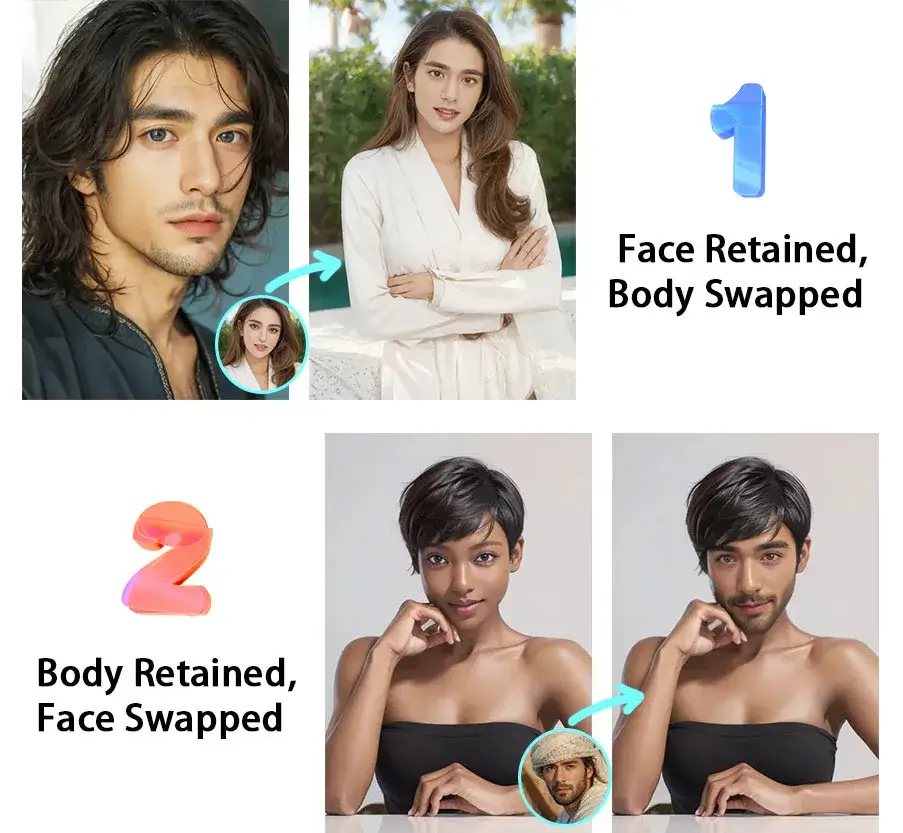
Use a photo with one clearly visible face. You can also try multiple face swap.
Purpose-built controls keep the process clear from upload to plan verification.
Short animated scenes are ideal for face swaps because the expression and motion stay easy to read.
GIF face swaps work well for reactions, inside jokes, character edits, and low-friction sharing.
Use a sharp target portrait and a short loop with a visible face to give the model the strongest starting point.
Upload a short, looping scene with a visible face and stable framing.
Use a clear portrait with natural lighting and a neutral expression.
Sign in with Google, verify your plan, and start the GIF render.
Sign in once with Google, then use the same subscription status across all AI Face Swap tools.
It replaces a face in a short animated loop with another face so the final GIF keeps the original motion and expression.