Consistent character look
Reuse one target portrait across several images to keep a campaign, character concept, or series visually consistent.
Use one target face across a collection of source photos. The batch workflow is built for creators and teams that want a consistent look across multiple images.
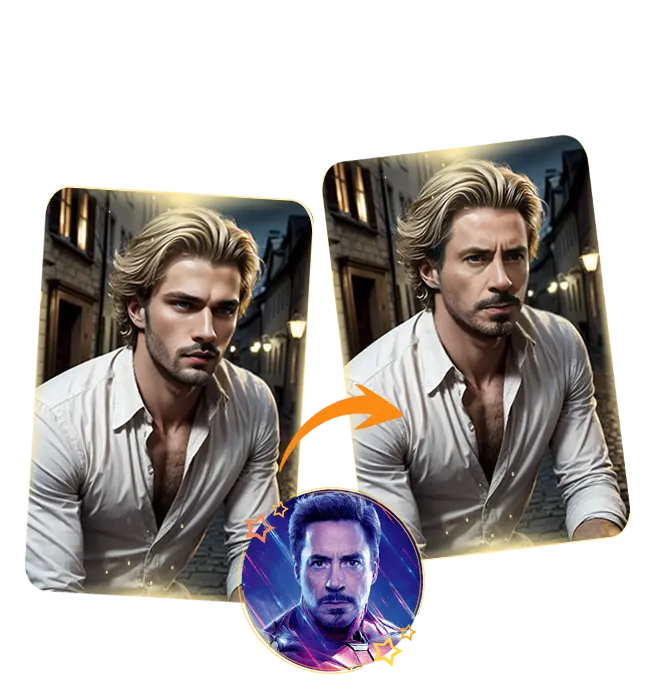
Process a set of photos with one face using an AI batch face swap workflow, Google auth, and direct Stripe subscriptions.
Use a photo with one clearly visible face. You can also try multiple face swap.
Purpose-built controls keep the process clear from upload to plan verification.
Reuse one target portrait across several images to keep a campaign, character concept, or series visually consistent.
Prepare the face once and organize multiple source images instead of rebuilding the same job for each photo.
Useful for concept boards, synthetic character exploration, social content, and consenting-person photo edits.
Prepare several clear JPG, PNG, or WebP source images with visible faces.
Use a single sharp portrait for every image in the batch.
Sign in, confirm your plan, and submit the batch to the queue.
Sign in once with Google, then use the same subscription status across all AI Face Swap tools.
Batch face swap applies one target face to several source images, reducing repetitive setup for multi-image projects.